Before you publish
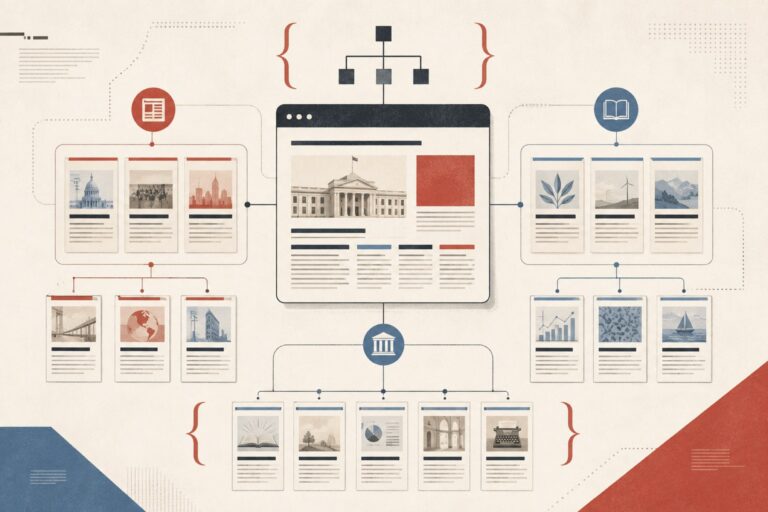
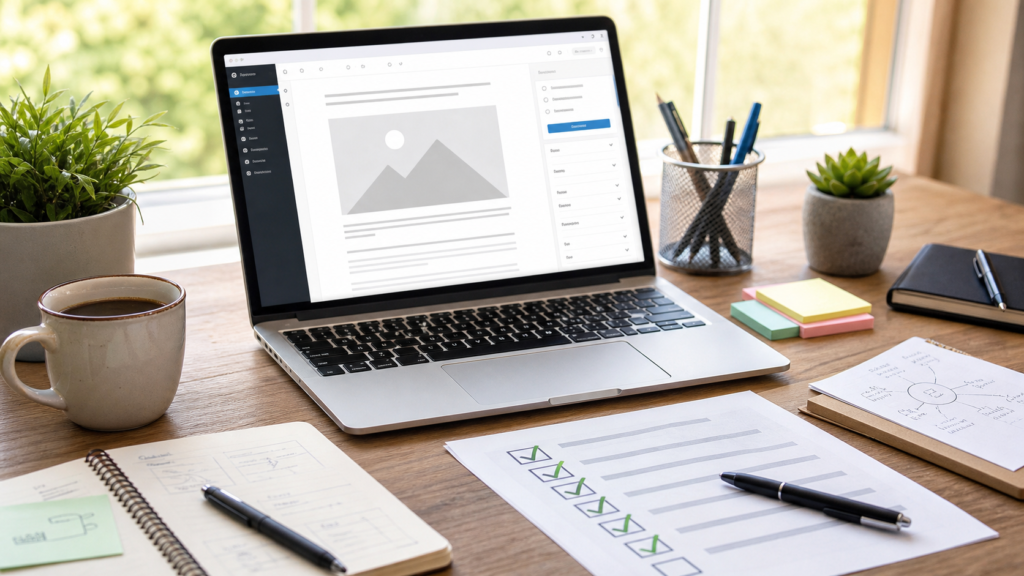
Publishing content at scale in WordPress makes small mistakes easy: the wrong category, missing alt text, weak internal links, oversized images, or a heading structure that is harder to scan. Use this pre-publish checklist before a post goes live so writers, editors and marketers can catch the basics quickly and consistently.
Copy it into your own document, Notion page or Trello board, then adapt the wording to match your site.
Here is the checklist.
WordPress pre-publish checklist
Category relevance
- Category assigned: Assign the post to one relevant category. One clear category helps readers and avoids creating near-duplicate category archive pages. Choose a descriptive category that matches the topic, not a generic label such as “blog”, “articles” or “latest news”.
Content structure
- Title check: Confirm the title is clear, specific and includes the primary keyword where it fits naturally.
- H1 tag: WordPress usually uses the post title as the page H1, so the article body should not include another H1. There should be one H1 on the page.
- H2 tags: Use H2 headings for the main sections so readers and search engines can understand the structure.
- H3 tags: Use H3 headings for subsections under an H2.
- H4 tags: Use H4 or H5 headings only when a section needs another level of detail.
- Paragraphs: Keep paragraphs short enough to read comfortably on mobile.
WordPress also recommends using headings in order so pages are easier to read and navigate. The official WordPress Heading block documentation explains how heading levels work in the block editor.
SEO and readability
- URL slug: Check that the URL slug is short, readable and includes the primary keyword if it still sounds natural.
- Internal links: Add useful internal links to related articles. For example, if the post includes image checks, link readers to a related guide such as How to Clean Up WordPress Media Library.
- External links: Add authoritative external links where they support the reader, and check that each link opens the right page.
Images and media
- Featured image: Set a relevant featured image that is licensed for use on your site. Pexels and Unsplash are useful starting points if you need free editorial photography.
- Image alt text: Give each meaningful image descriptive alt text that helps people using assistive technology understand the image.
- Image optimisation: Compress and resize images before uploading them. For a blog post, avoid uploading images below 1000px wide unless the image is only used as a small inline graphic. A practical target file size is around 40KB to 120KB where image quality allows. Tools such as iLoveIMG can crop and resize images, and TinyPNG can compress them.
Preview and functionality
- Visual preview: Preview the post in WordPress and check that spacing, headings, images and lists display correctly.
- Mobile view: Check the post on mobile. Use the WordPress mobile preview first, then browser developer tools in Chrome or Safari if you need a more detailed check.
- Functionality check: Test links, buttons, embeds and any interactive elements.
Final steps
- Proofread: Check grammar, spelling, punctuation and house style. Confirm whether the site uses title case or sentence case, and whether the article should use British English or American English.
- Next action: End with the action the reader should take next. For an informational article, this may be a practical takeaway rather than a sales call to action.
- Scheduling: Set the correct publishing date and time if the post is not going live immediately.
A checklist will not make a weak article strong, but it will catch the avoidable issues that distract readers and weaken search performance. Keep the list close to the publishing workflow, review it before every post goes live, and update it whenever your site standards change.
Author