WordPress 7.0 is expected to bring a more organised way for AI tools to work inside WordPress. The developer detail is the AI Client, the Connectors API, and the Client-Side Abilities API. The editorial point is simpler: WordPress is moving away from every plugin inventing its own AI setup.
That matters for site owners because the current pattern is messy. One plugin asks for an OpenAI key. Another has its own provider settings. A third handles permissions differently. Over time, the site becomes hard to audit and harder to support.
The April 2026 WordPress Developer Blog describes the WP AI Client as a standard PHP library for communicating with AI services. Instead of each plugin building a separate integration for OpenAI, Anthropic, Google, or another provider, the client gives developers a shared layer.
For editors, that should eventually mean fewer disconnected AI settings and clearer control over which provider is being used.
For broader release context, Kahunam’s earlier article on what is coming in WordPress 7.0 explains the wider admin, collaboration, and native AI direction.
What the Connectors API changes
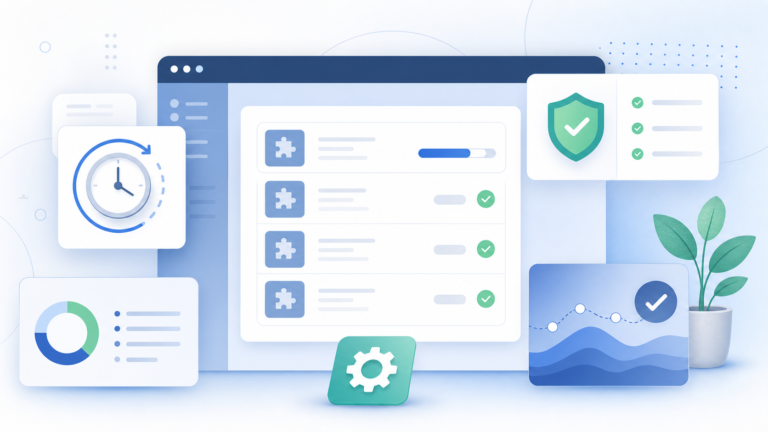
The Connectors API is the practical companion to the AI Client. It establishes provider selection and credential storage as platform-level infrastructure.
In plain English: WordPress wants one sensible place to configure AI providers, rather than spreading keys across different plugins.
The WordPress Developer Blog says a new Connectors screen in the admin will let site owners configure preferred AI providers through official provider plugins for OpenAI, Google, and Anthropic. Community providers are also starting to appear.
For SMEs and agencies, the benefit is governance. You can ask clearer questions:
- Which AI provider is this site using?
- Where are credentials stored?
- Which plugins can call AI features?
- Can we change provider without rebuilding every workflow?
- Can we remove an AI provider cleanly if a supplier changes?
Those are not technical niceties. They are operational risk controls.
What the Abilities API means
The Client-Side Abilities API is more developer-facing, but editors should understand the direction of travel. It gives WordPress a way to describe what actions are available, what inputs they accept, what permissions apply, and how a browser-side tool can discover them.
That lays groundwork for more capable assistants: tools that can help draft, edit, move through admin tasks, or connect site actions to an AI interface.
The important caveat is permission. A useful assistant should not mean an unrestricted assistant. If AI features are going to touch content, products, forms, or settings, permissions and auditability matter.
What site owners should do now
Do not rebuild your WordPress stack around unreleased AI promises. Do start getting ready.
First, list where your current site already uses AI. Include SEO plugins, form tools, page builders, content assistants, support widgets, and automation plugins.
Second, record where each tool stores its provider credentials. If nobody can answer that quickly, the site already has an AI governance problem.
Third, avoid locking important workflows to a single plugin’s private AI setup unless there is a strong business reason.
Fourth, keep your hosting and PHP versions current. The same Developer Blog post notes that WordPress 7.0 will drop support for PHP 7.2 and 7.3, with PHP 7.4 as the new minimum and PHP 8.2 or newer recommended.
The practical takeaway
WordPress 7.0’s AI work is not just about adding AI buttons to the editor. It is about standardising how AI providers, credentials, and capabilities fit into WordPress.
That is good news for serious site owners. The more AI becomes normal infrastructure, the more important it becomes to configure it cleanly, document it, and keep control of what it can do.
Author