
Resources
Wordpress
You can accomplish a lot with your WordPress site, we would know well, we’ve been working with Wordpress websites for more than 15 years. Some tasks are simple, while others require technical know-how. We’ve tried our best to make our advice accessible. Our articles will keep you up-to-date with Wordpress and offer insights on how to check your Wordpress website is performing at its best.

WordPress 7.1.2: the security update site owners should check today
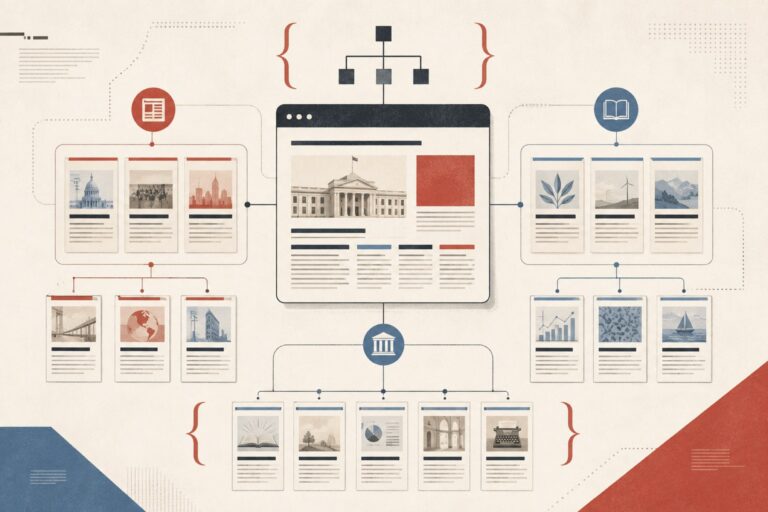
How to Make Your Own New York Times–Style HTML Sitemap for SEO — With WordPress Code
Gutenberg media cropping: a launch checklist before editor teams rely on it
Gutenberg 23.5 media cropping: what WordPress teams should test before editors rely on it

WordPress 7.0.1 maintenance release: what site owners should check before updating
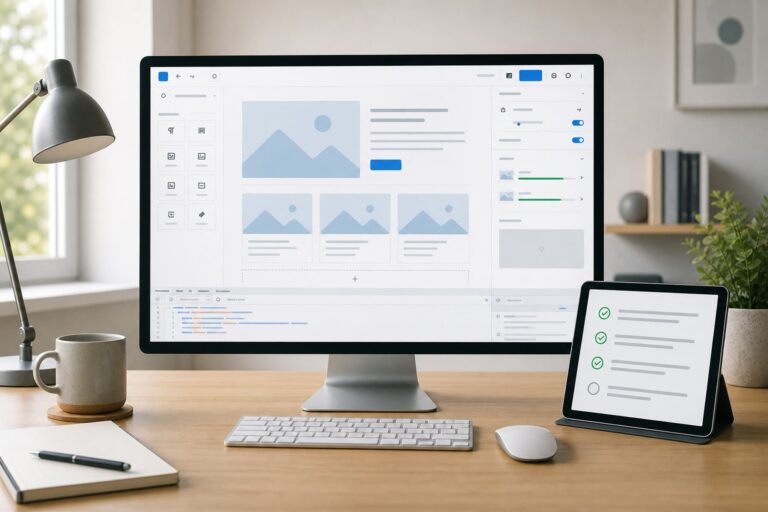
Gutenberg 23.4: what to test before WordPress 7.1 reaches client sites
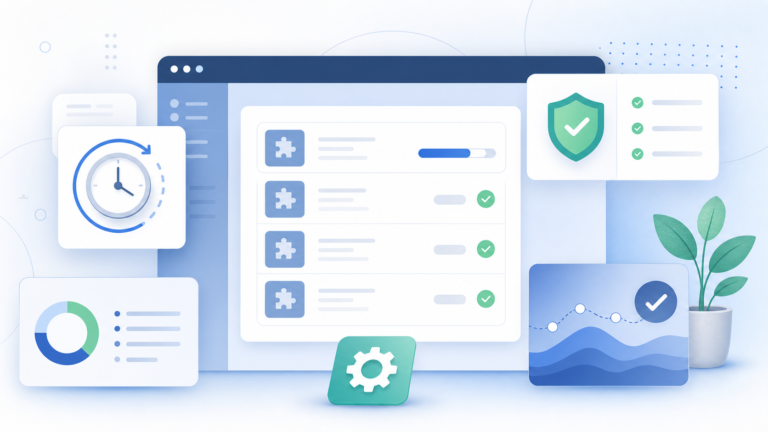
WordPress Protect The Shire: what the 24-hour plugin update cooldown means for site owners

GenerateBlocks Pro 2.6 forms: what to test before replacing a form plugin

Why WordPress 7 dropped real-time collaboration

WordPress 7.0’s AI Client and Connectors API: what it means for site editors

How to Update Yoast SEO Titles and Meta Descriptions via the WordPress REST API

What’s Coming in WordPress 7.0: Real-Time Collaboration, Admin Redesign and Native AI
How to Clean Up WordPress Media Library
What’s New in WordPress 6.9 (December 2025)

How to Fix WordPress Page Changes Not Showing Up

How to Use One Parent Theme for Multiple WordPress Sites