
Choosing between a static and dynamic website affects your site’s speed, cost, security, and functionality. This guide explains the differences clearly so you can make the right decision for your business.
What Is a Static Website?
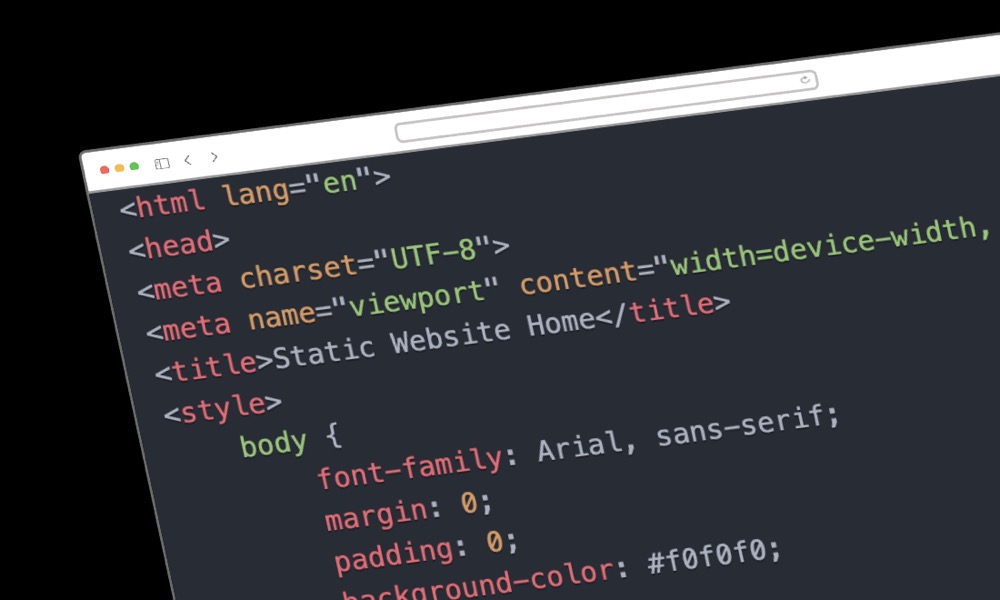
A static website delivers the same pre-built HTML files to every visitor. The content is created once and stored on a server, then served exactly as-is when someone visits your site.
Think of it like a printed brochure – every person who picks it up sees the same content. The server simply hands over the files without processing anything.
How Static Sites Work
- Developer creates HTML, CSS, and JavaScript files
- Files are uploaded to a web server or CDN
- Visitor requests a page
- Server sends the pre-built file immediately
- Browser displays the page
No database queries, no server-side processing, no waiting.
Static Website Examples
- Portfolio sites – Showcasing work samples
- Landing pages – Single-page marketing sites
- Documentation sites – Technical guides and manuals
- Event pages – Conference or wedding websites
- Restaurant menus – Simple informational sites
- Company brochure sites – About us, services, contact
What Is a Dynamic Website?
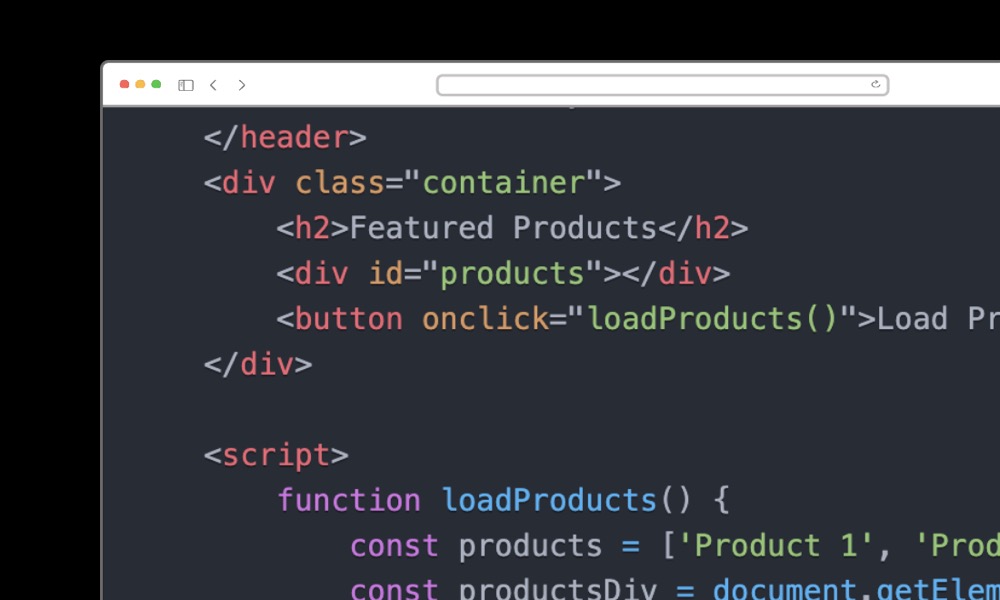
A dynamic website builds pages on the fly when visitors request them. The server processes code, queries a database, and assembles the HTML before sending it to the browser.
Think of it like a restaurant kitchen – each order is prepared fresh based on what the customer wants. The same URL can show different content to different users.
How Dynamic Sites Work
- Visitor requests a page
- Server runs code (PHP, Python, Ruby, Node.js)
- Code queries a database for content
- Server assembles the HTML using templates
- Browser receives the generated page
This process happens for every page request, allowing personalised and up-to-date content.
Dynamic Website Examples
- E-commerce stores – Product catalogues, shopping carts, checkout
- Social media platforms – Personalised feeds, user profiles
- News sites – Frequently updated content
- Online forums – User-generated discussions
- Membership sites – Gated content, user accounts
- Booking systems – Real-time availability, reservations
Static vs Dynamic: Key Differences
| Feature | Static Website | Dynamic Website |
|---|---|---|
| Speed | Very fast (no processing) | Slower (server processing required) |
| Content | Same for all visitors | Can personalise per user |
| Updates | Requires rebuild/reupload | Change content via CMS/database |
| Hosting cost | £0-20/month | £10-100+/month |
| Security | Very secure (no database) | More attack vectors |
| Scalability | Excellent (CDN-friendly) | Requires server scaling |
| Interactivity | Limited | Full user interaction |
| Development complexity | Simpler | More complex |
Advantages of Static Websites
1. Faster Loading Speed
Static sites load in milliseconds because there’s no server processing. The files are ready to serve immediately. This improves user experience and SEO rankings – Google rewards fast sites.
2. Better Security
No database means no SQL injection attacks. No server-side code means no code execution vulnerabilities. Static sites have a minimal attack surface, making them inherently more secure.
3. Lower Hosting Costs
Static files can be hosted on cheap or free services like GitHub Pages, Netlify, Cloudflare Pages, or Amazon S3. No need for expensive servers with PHP or database support.
4. Easy Scalability
CDNs distribute your static files globally. Whether you get 100 or 100,000 visitors, the site performs the same. No server bottlenecks or database connection limits.
5. Simpler Maintenance
No database to back up, no plugins to update, no security patches to apply. Once deployed, static sites run reliably with minimal maintenance.
Advantages of Dynamic Websites
1. Easy Content Updates
Content management systems (like WordPress) let non-technical users add blog posts, update product information, and manage content without touching code.
2. User Interactivity
Dynamic sites enable:
- User registration and login
- Comments and reviews
- Shopping carts and wishlists
- Search functionality
- Form submissions with database storage
3. Personalisation
Show different content based on user location, browsing history, or account preferences. Recommend products, remember settings, and create tailored experiences.
4. Real-Time Data
Display current stock levels, live prices, booking availability, or breaking news. Dynamic sites pull fresh data from databases on each request.
5. Complex Functionality
Payment processing, inventory management, user dashboards, and third-party integrations all require dynamic server-side processing.
Static Site Generators (SSGs)
Static Site Generators bridge the gap between static and dynamic. They use templates and data files to generate static HTML at build time, not at request time.
Popular Static Site Generators
- Next.js – React-based, supports static export and server rendering
- Gatsby – React-based, excellent for marketing sites
- Hugo – Extremely fast builds, written in Go
- Jekyll – Ruby-based, powers GitHub Pages
- Eleventy (11ty) – Simple, flexible, JavaScript-based
- Astro – Modern, ships minimal JavaScript
SSGs give you the speed and security of static sites with developer-friendly workflows like templates, components, and build processes.
The Hybrid Approach: Jamstack
Modern web development often combines static and dynamic elements. The Jamstack approach uses:
- Static pages for most content (fast, secure, scalable)
- APIs for dynamic features (forms, payments, search)
- Serverless functions for backend logic when needed
This lets you build mostly-static sites that can still:
- Process form submissions (via Netlify Forms, Formspree)
- Handle e-commerce (via Snipcart, Shopify Buy Button)
- Enable search (via Algolia, Pagefind)
- Show real-time data (via JavaScript API calls)
Cost Comparison
Static Website Costs
- Hosting: £0-20/month (many free options)
- Development: £500-3,000 for a basic site
- Maintenance: Minimal ongoing costs
- Updates: Developer time for content changes
Dynamic Website Costs
- Hosting: £10-100+/month (server required)
- Development: £2,000-20,000+ depending on complexity
- Maintenance: £50-500/month for updates, security, backups
- Updates: Often self-service via CMS
Hosting Options
Static Site Hosting
- Netlify – Free tier, automatic deployments from Git
- Vercel – Excellent for Next.js projects
- Cloudflare Pages – Fast global CDN, generous free tier
- GitHub Pages – Free for public repositories
- Amazon S3 + CloudFront – Pay-as-you-go, highly scalable
Dynamic Site Hosting
- Traditional web hosts – SiteGround, Bluehost, A2 Hosting
- Managed WordPress – WP Engine, Kinsta, Flywheel
- Cloud platforms – AWS, Google Cloud, DigitalOcean
- Platform-as-a-Service – Heroku, Railway, Render
SEO Considerations
Both static and dynamic sites can rank well in search engines. Key factors:
Static Sites and SEO
- Speed advantage – Faster Core Web Vitals scores
- Clean URLs – No query strings or dynamic parameters
- Predictable content – Search engines see what users see
- Limitation – No dynamic XML sitemaps or auto-updating metadata
Dynamic Sites and SEO
- CMS tools – SEO plugins like Yoast or Rank Math
- Automated sitemaps – Update when content changes
- Fresh content – Easier to publish regularly
- Challenge – Speed optimisation requires more effort
How to Choose: Decision Framework
Choose Static If:
- Content changes infrequently (monthly or less)
- You don’t need user accounts or logins
- Budget is limited
- Maximum speed and security are priorities
- Site is primarily informational
- You have developer access for updates
Choose Dynamic If:
- Content changes frequently (daily or weekly)
- You need user registration, logins, or profiles
- E-commerce functionality is required
- Non-technical staff need to update content
- Personalisation is important
- You need complex search or filtering
Consider Hybrid (Jamstack) If:
- You want static performance with some dynamic features
- Content is managed in a headless CMS
- You need global scalability
- Third-party APIs handle dynamic functionality
Common Platforms by Type
Dynamic Website Platforms
- WordPress – Powers 40%+ of all websites
- Shopify – E-commerce focused
- Wix/Squarespace – Drag-and-drop builders
- Drupal – Enterprise-level CMS
- Custom applications – Built with React, Vue, PHP, etc.
Static Site Options
- Hand-coded HTML – Maximum control
- Static site generators – Next.js, Gatsby, Hugo
- Headless CMS + SSG – Contentful, Sanity, Strapi
- Carrd/Linktree – Simple single-page builders
FAQ
Is WordPress static or dynamic?
WordPress is a dynamic website platform by default. It uses PHP and MySQL to generate pages on request. However, you can use caching plugins to serve cached static versions, or export WordPress as a static site using plugins like Simply Static.
Can a static website have a contact form?
Yes. Static sites can use form services like Netlify Forms, Formspree, or Basin. These handle form submissions via JavaScript without requiring server-side code on your site.
Which is better for SEO?
Both can rank well. Static sites have a speed advantage that helps Core Web Vitals. Dynamic sites make content management easier, which can mean more frequent updates. Quality content matters more than the underlying technology.
Can I convert my dynamic site to static?
Yes, tools exist to convert WordPress and other CMS platforms to static sites. This makes sense if you want better performance and security but don’t need dynamic features. Be aware that you’ll lose CMS functionality.
How do I update a static website?
Edit the source files, rebuild the site (if using an SSG), and redeploy. With modern hosting like Netlify or Vercel, pushing to Git automatically triggers a rebuild and deployment.
Author